
A few years ago, designing a UI meant one thing:
Figma open → blank screen → staring at the cursor → questioning life choices.
Fast forward to today…
Now we have AI that can literally generate UI from a prompt.
So I did what any curious (and slightly lazy) designer would do—I tested some of the best AI UI generators.
Here’s what I found.
The “Wait… that actually looks good?” moment
The first tool I tried was UX Pilot.
I typed something like:
“Create a modern SaaS landing page with a hero section and feature cards.”
And it actually… worked.
Not perfect. Not magic. But surprisingly usable.
Clean layout. Good spacing. No chaotic button placement that makes developers cry.
For the first time, AI didn’t feel like a gimmick—it felt like a design assistant that doesn’t complain or ask for revisions.

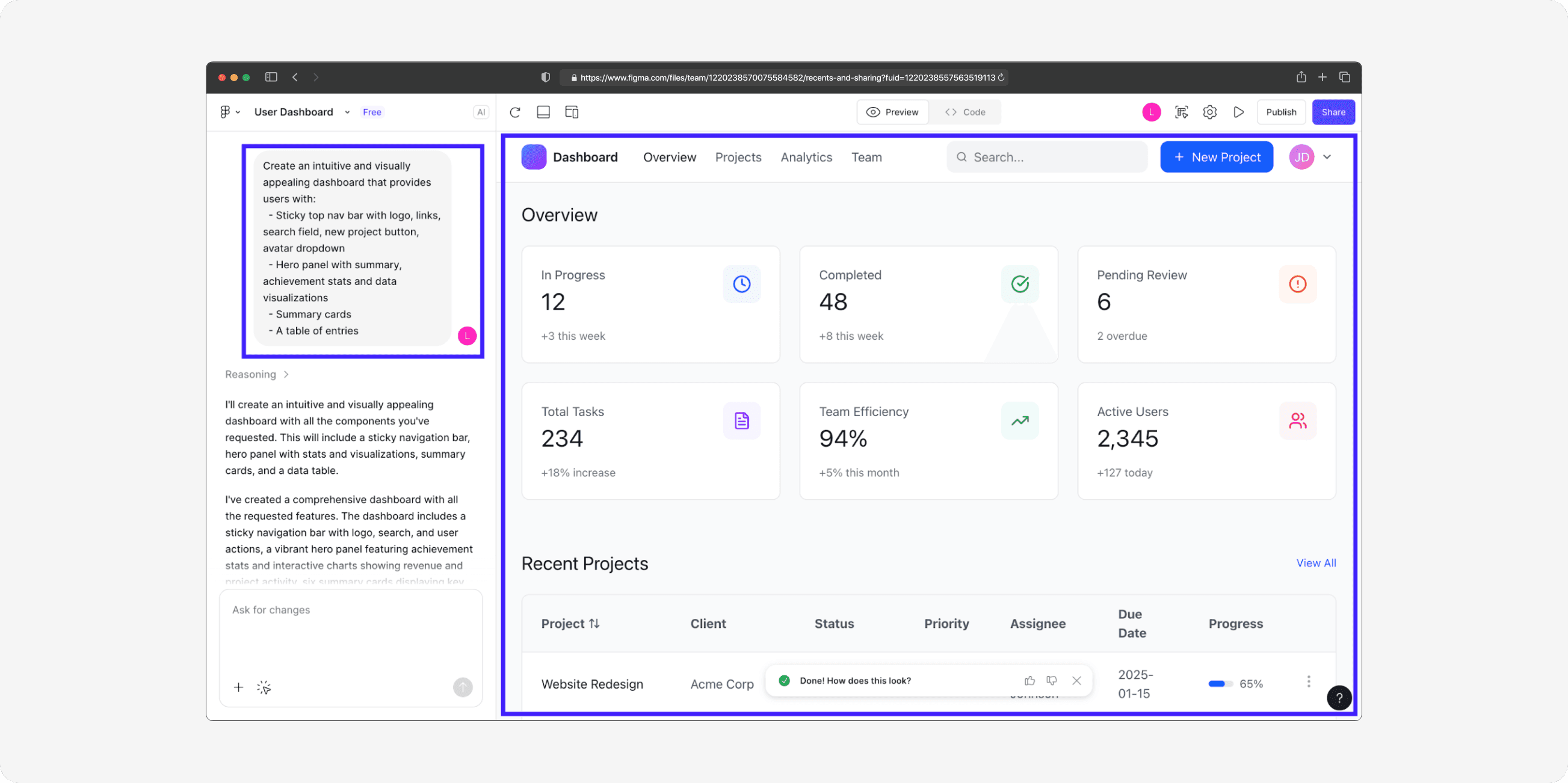
Then came Figma AI… and the plot thickened
If you already live inside Figma, this one is interesting.
Instead of leaving your design tool, you just… ask it to generate UI inside Figma.
No switching apps. No exporting. No “where did that layer go?” panic.
It’s like Figma said:
“Don’t worry, I got this.”
The “Let’s generate a full website in 10 seconds” tools
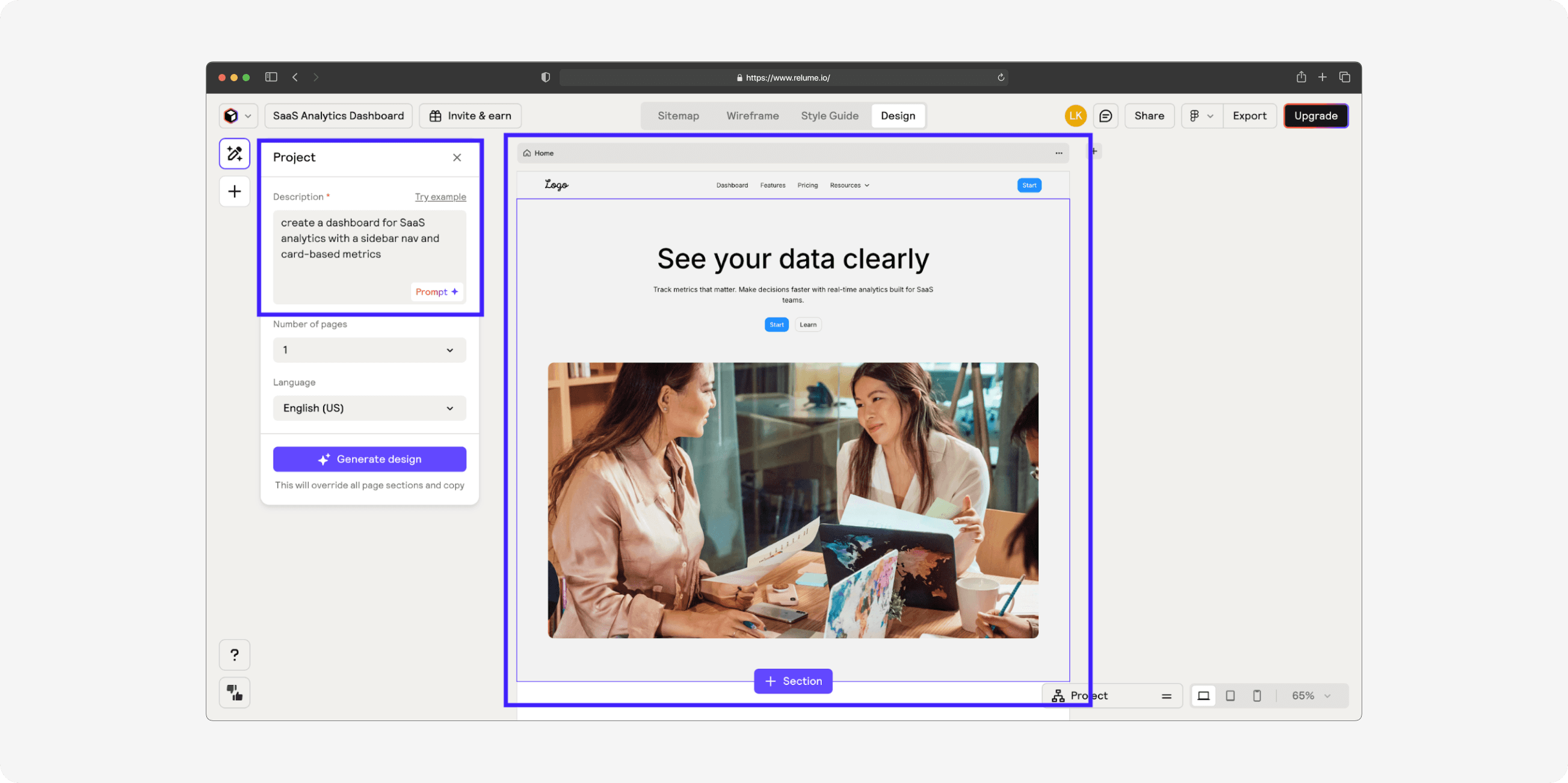
Next up: Relume AI
This one feels like cheating.
You give it a prompt → it gives you:
sitemap
layout
sections
structure
Basically, it does the thinking part of web design.
You still need to polish it, but it removes the hardest part: starting from zero.
The experimental but kinda cool category
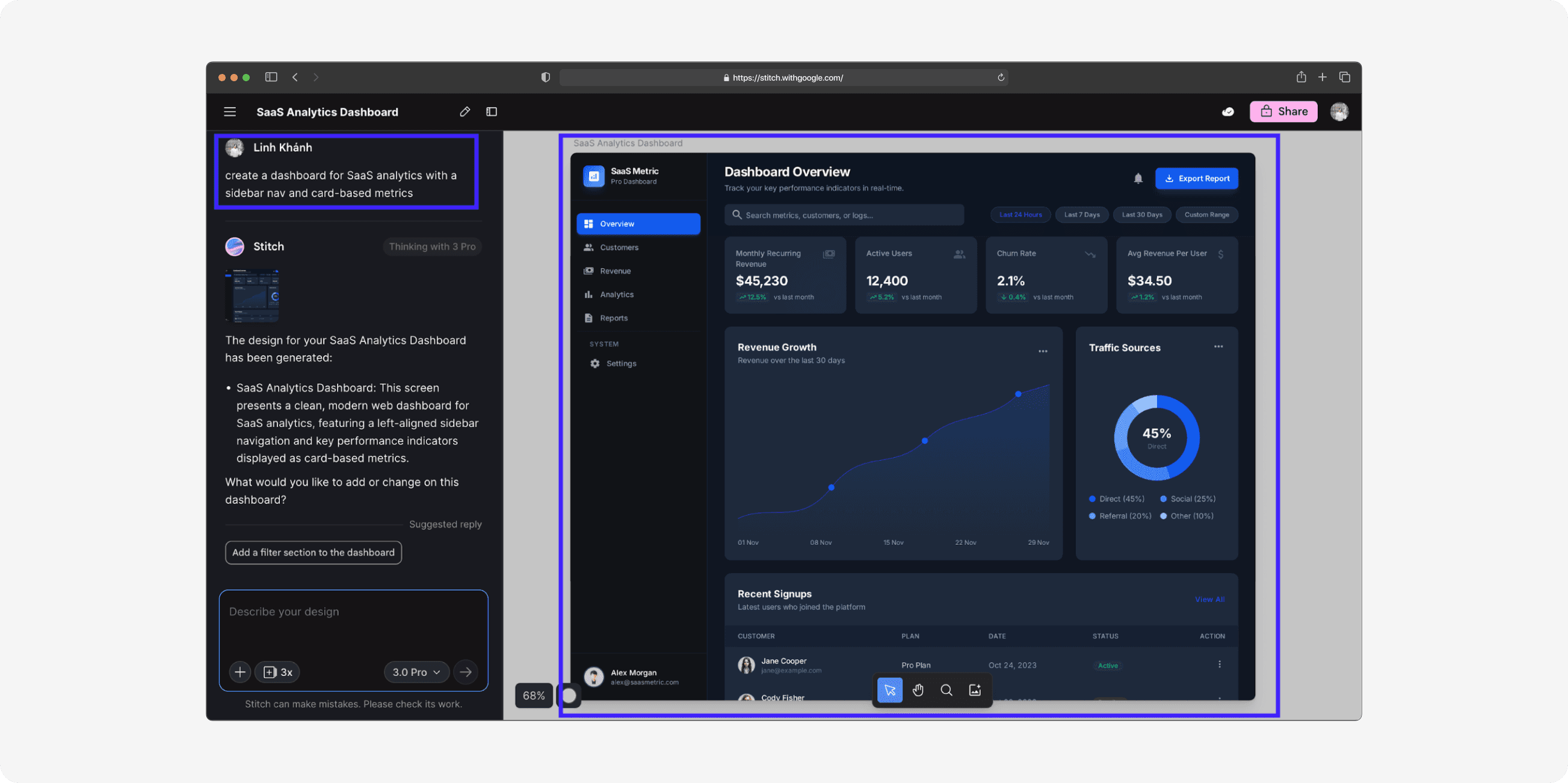
Then there’s Google Stitch
This one feels like it’s from the future… or a beta version of the future.
It takes prompts (and even images) and turns them into UI layouts.
Sometimes it nails it.
Sometimes it… gets creative in ways you didn’t ask for.
But hey, that’s part of the fun.
The silent helper nobody talks about
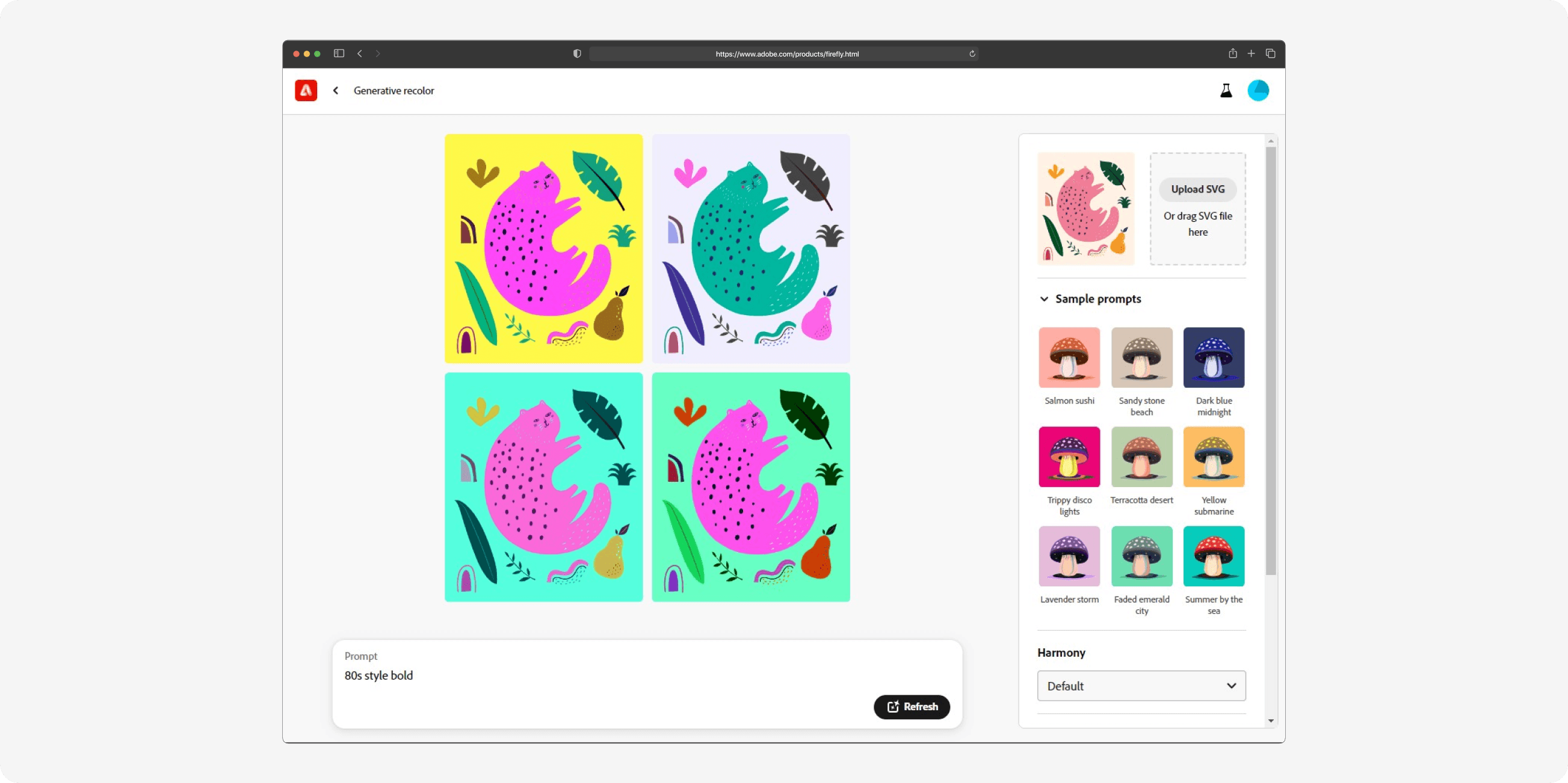
Adobe Firefly doesn’t exactly build UI screens…
But it quietly helps by generating:
icons
visuals
textures
branding elements
Basically, it’s the “background character” that makes your UI look premium.
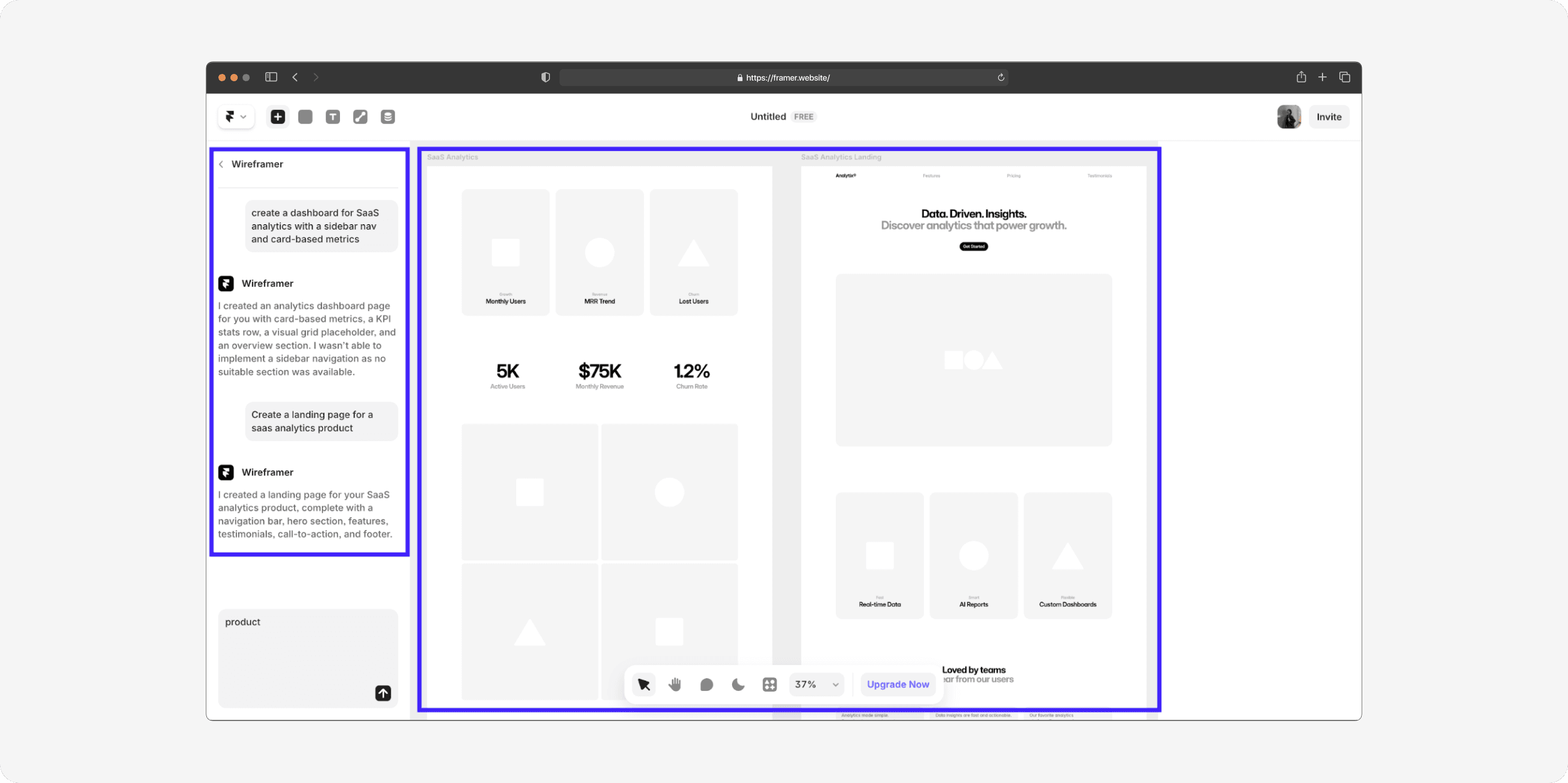
And then there’s Framer AI
This one is for people who want to go:
Idea → UI → Live website
All in one place.
You can generate layouts, tweak them, and publish directly.
No dev handoff. No waiting. No “we’ll deploy next week.”
Just… done.
So what’s the catch?
AI UI generators are powerful.
But they are not (yet) a replacement for designers.
They’re more like:
“That one super-talented intern who works fast, but still needs guidance.”
You still need:
design sense
consistency
UX thinking
human judgment
AI just removes the boring parts.
My honest takeaway
AI is not replacing designers.
But designers who use AI?
They might replace the ones who don’t.
Final thought
We’re entering a world where:
Ideas turn into UI in minutes
Designers spend less time pushing pixels
And more time thinking, refining, and creating
And honestly?
That’s the future I want to work in.

